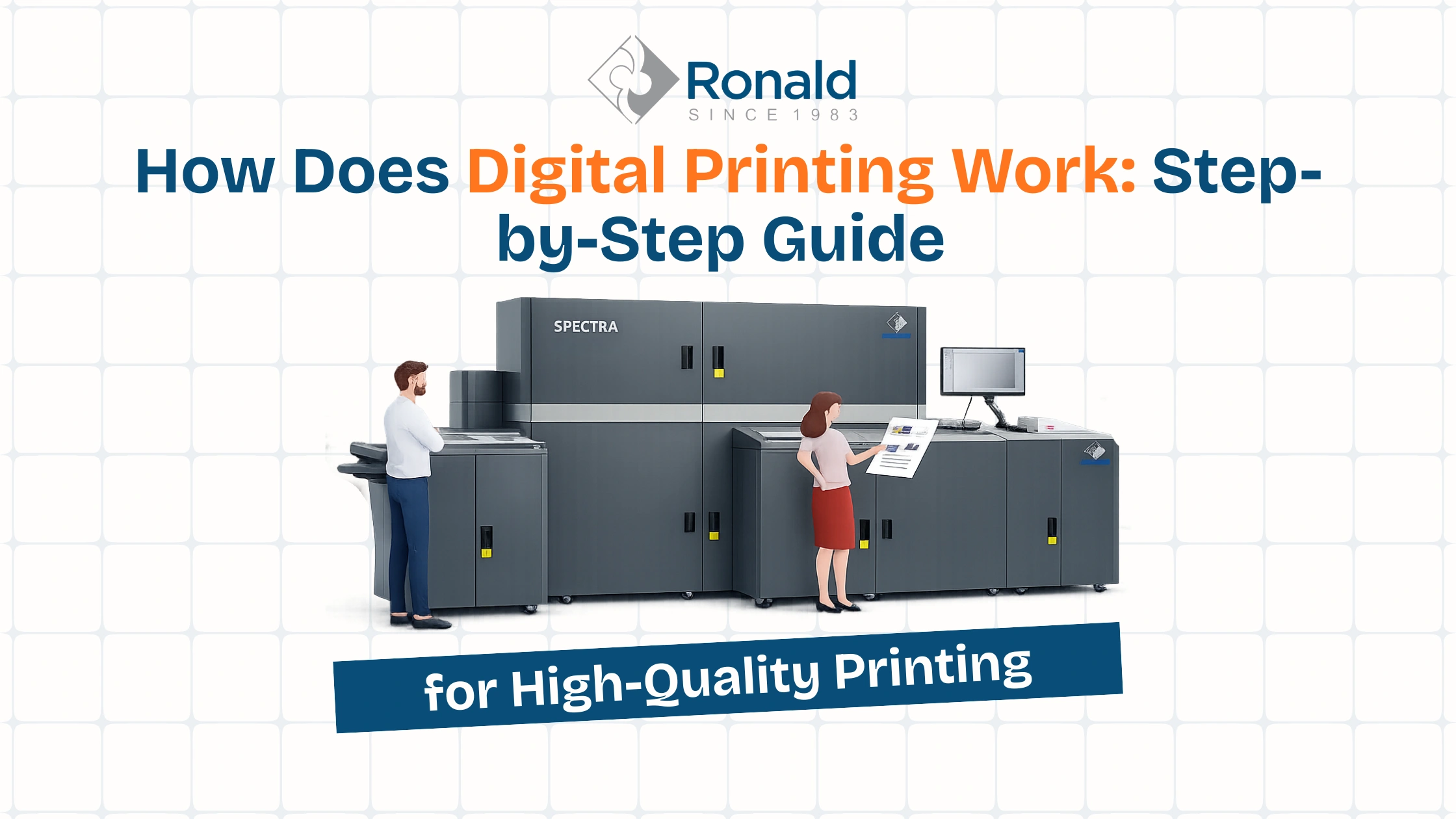
How Does Digital Printing Work: A Step-by-Step Guide Introduction Digital printing has become one of the most important technologies in...
March 18, 2026
Digital printing has become one of the most important technologies in today’s printing industry. It offers speed, flexibility, and high-quality output without the need for complex setup. Whether you run a printing business or plan to buy a digital printing machine, it helps to know how it works. This can boost efficiency and cut costs.
In this guide, we will break down the complete digital printing process in a simple and practical way.
Digital printing prints a digital file directly onto a surface. The surface can be paper, cardboard, vinyl, or fabric. Unlike traditional offset printing, it does not require printing plates or lengthy setup procedures.
This makes digital printing ideal for:
In simple terms, digital printing allows you to go from design to print in just a few minutes.

The digital printing process starts with a design file. You can create this file using software like Photoshop, Illustrator, or any other design tool.
To ensure high-quality printing, the file must be properly prepared:
A well-prepared file ensures that the final output looks sharp and professional.
Once the file is ready, it is processed through RIP software. RIP stands for Raster Image Processing.
This step converts the design into a format that the printer can understand. It breaks the image into tiny dots and adjusts:
RIP plays a crucial role in maintaining print quality and consistency.
After processing, the file is sent to the digital printing machine. There are two main types of digital printing technologies:
Inkjet Printing
Inkjet printers spray microscopic droplets of ink onto the surface. Many professionals use this method for high-quality images and large-format printing.
Laser Printing (Digital Press)
Laser printers use toner powder and heat to transfer the image onto paper. This method is faster and ideal for bulk document printing.
Each technology has its own advantages depending on the application.
Digital printing uses the CMYK color model:
These colors are applied in very small dots that combine to create full-color images and sharp text. Advanced machines may also use additional colors for better accuracy and detail.
After printing, the ink needs to dry properly. Different machines use different drying methods:
UV curing is especially popular because it provides durability and quick turnaround time.
The final step in the digital printing process is finishing. This includes additional processes that enhance the appearance and usability of the printed material:
Finishing gives the printed product a professional and polished look.
Digital printing has become popular due to several key benefits:
There is no setup time so printing can start immediately.
Since there are no plate costs, small quantities are affordable.
Each print can be different, making it ideal for personalized marketing.
Modern machines produce sharp images and vibrant colors.
No plates or extra materials mean less waste.
Digital printing is used across multiple industries. Some common applications include:
It is especially useful for businesses that require fast and customized printing solutions.
To achieve the best results in digital printing, avoid these common mistakes:
Paying attention to these details can significantly improve print quality.
Digital printing transfers a digital file onto a material using inkjet or laser technology.
It does not need printing plates.
A digital printing press prints digital files directly onto paper or other materials using advanced technology.
A printing press transfers ink or toner onto a surface to reproduce text or images. In digital printing, this process runs directly from a digital file.
A digital printing machine is a device that prints designs directly from a computer using inkjet or laser methods.
Modern printing solutions include digital printers, RIP software, color management systems, finishing tools, and workflow automation systems.
Digital printing transfers an image from a digital file directly onto the printing surface. It skips steps like plate creation.
Digital printing has completely changed the way printing works. It is fast, flexible, and suitable for modern business needs. From small print jobs to customized marketing materials, digital printing offers a reliable and efficient solution.
If you want to upgrade your printing setup or start a new printing business, consider digital printing.
If you plan to upgrade your printing setup, a good digital inkjet machine can boost quality and productivity.
How Does Digital Printing Work: A Step-by-Step Guide Introduction Digital printing has become one of the most important technologies in...
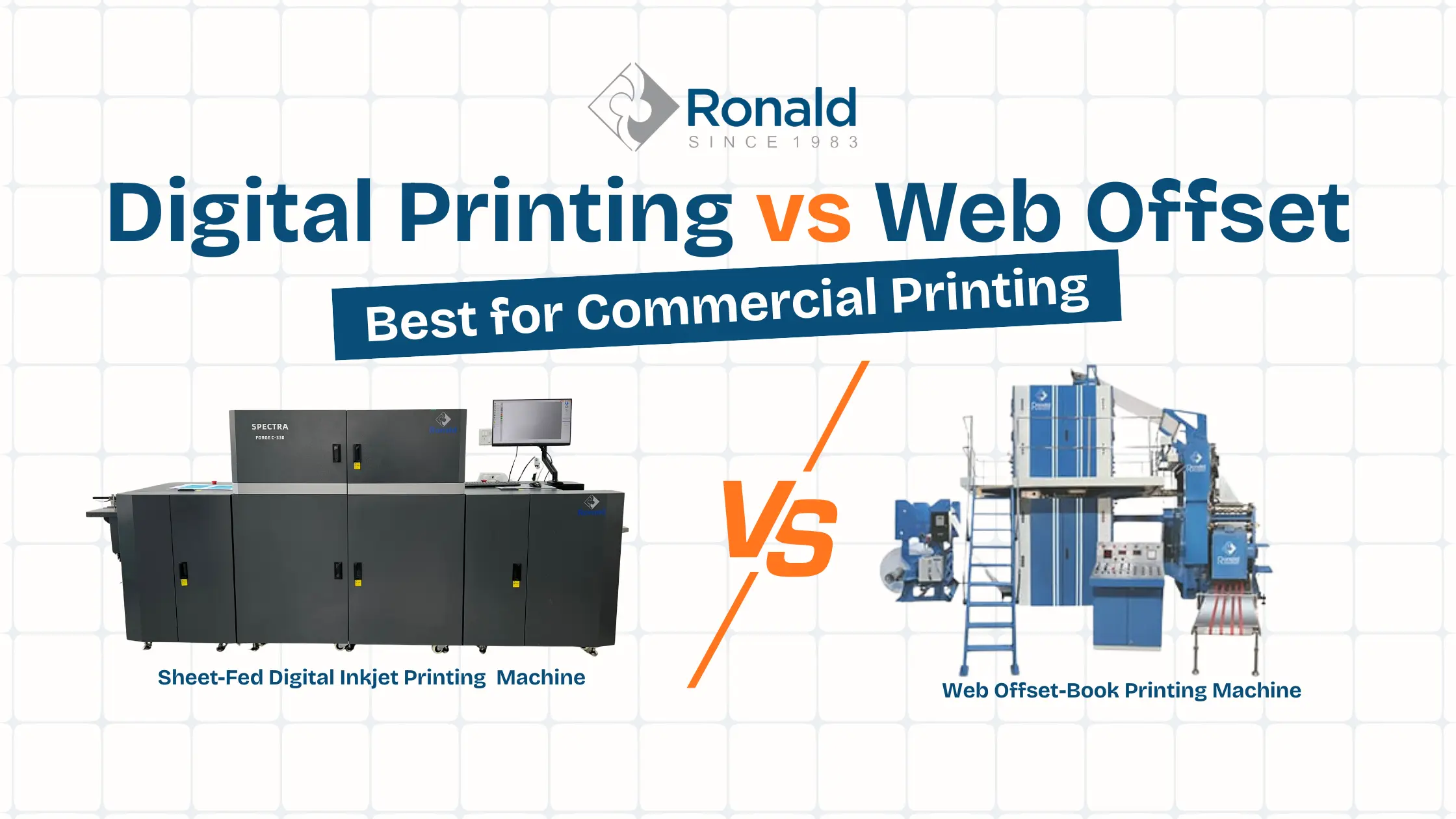
Digital Printing vs Web Offset: Best for Commercial Printing Introduction The printing industry has changed a lot over the years....
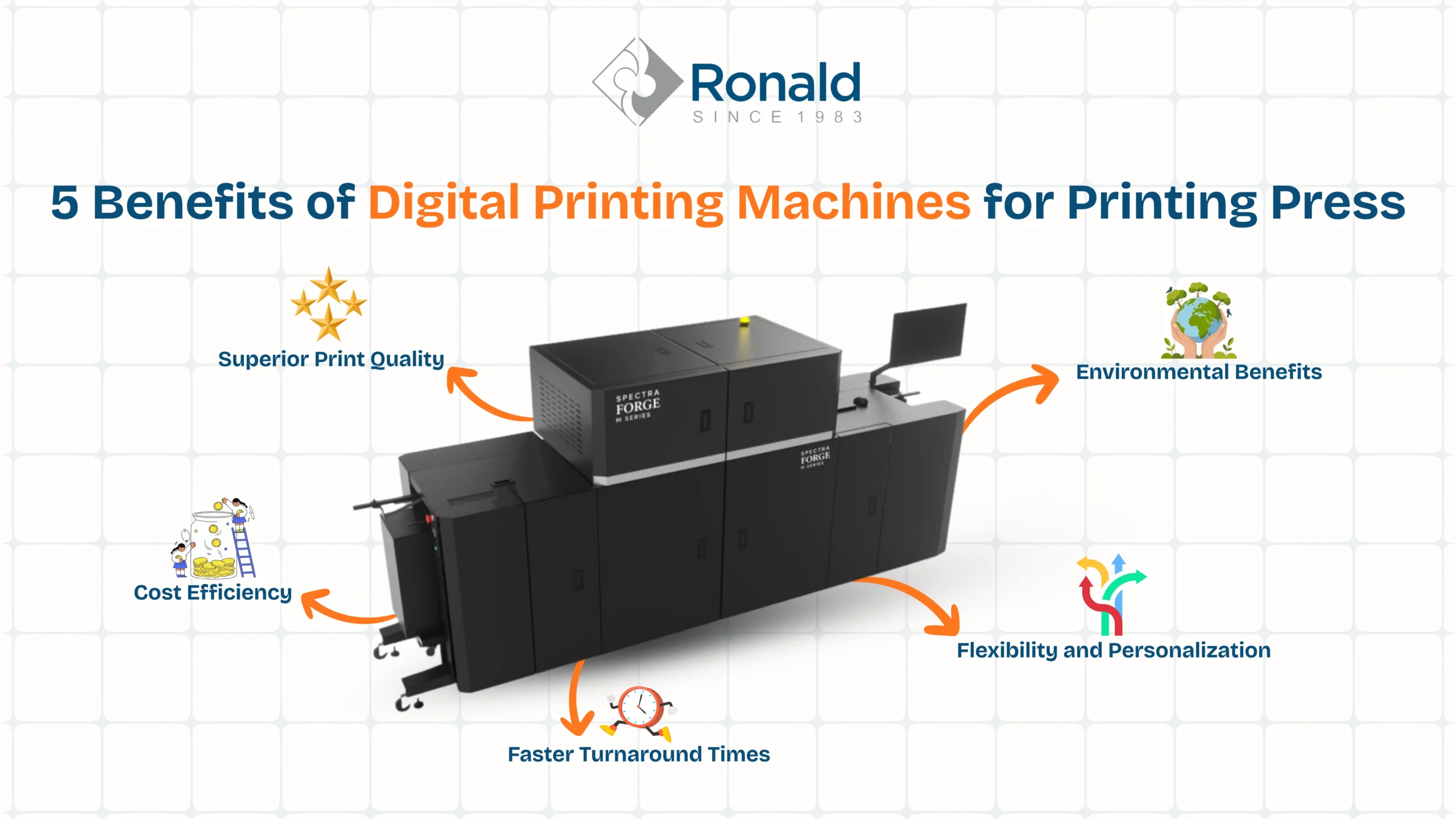
5 Benefits of Digital Printing Machines for Printing Press Introduction The printing industry has changed quickly in recent years. Businesses...
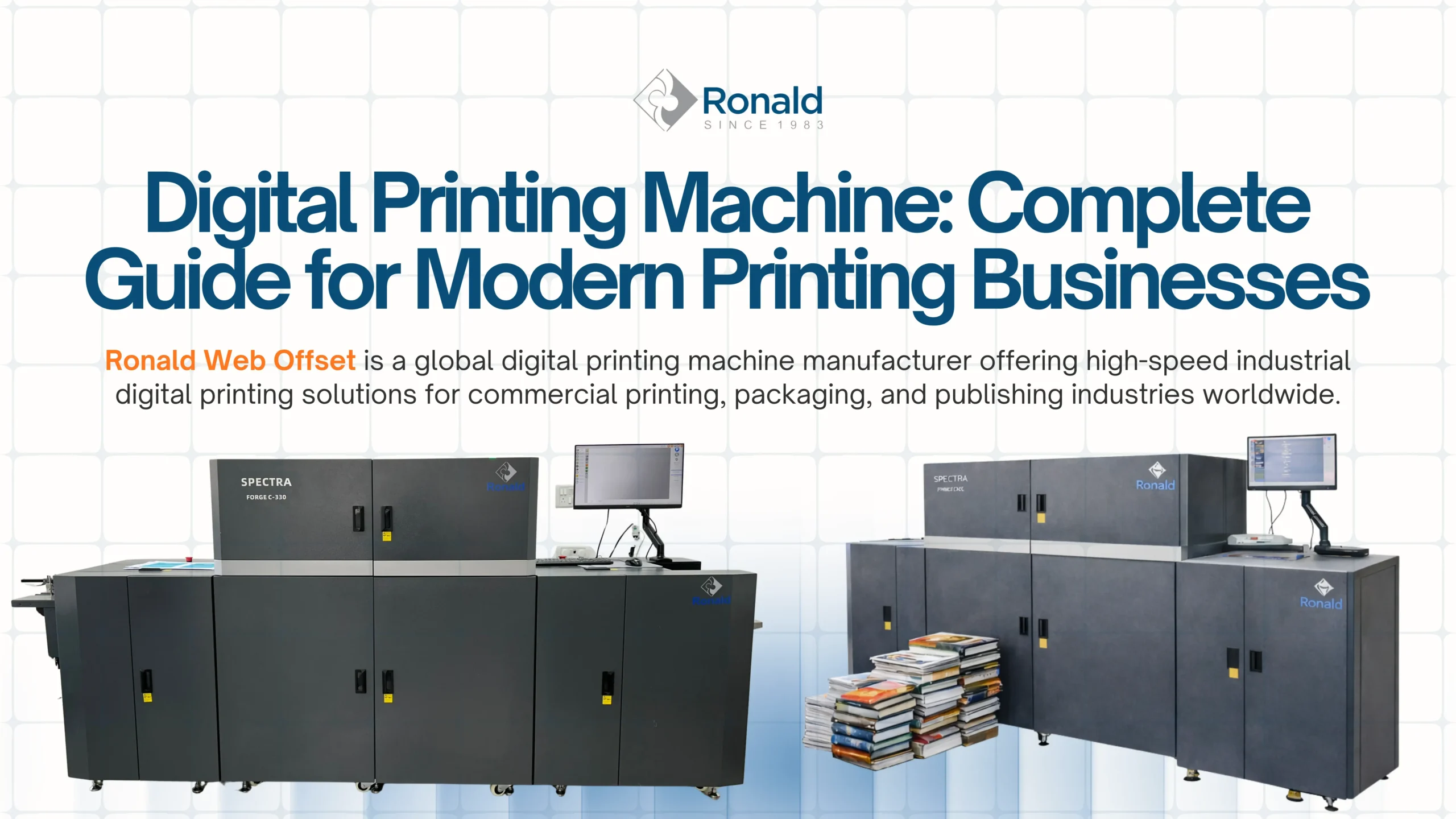
Digital Printing Machines: Complete Guide For Modern Printing Businesses Introduction The printing industry has changed rapidly in recent years. Businesses...