How Roll-Fed Inkjet Technology Supports Changing Print Demands The printing industry is changing with time. Customer needs are different, and...
October 30, 2026
The printing industry is changing with time. Customer needs are different, and printing orders can vary every day. Some businesses handle large orders, while others need smaller print runs. They also work with different paper types and print requirements.
Managing all these jobs can be difficult. Printing businesses need machines that can support their daily production needs. They also need better control over paper movement, print quality and production time.
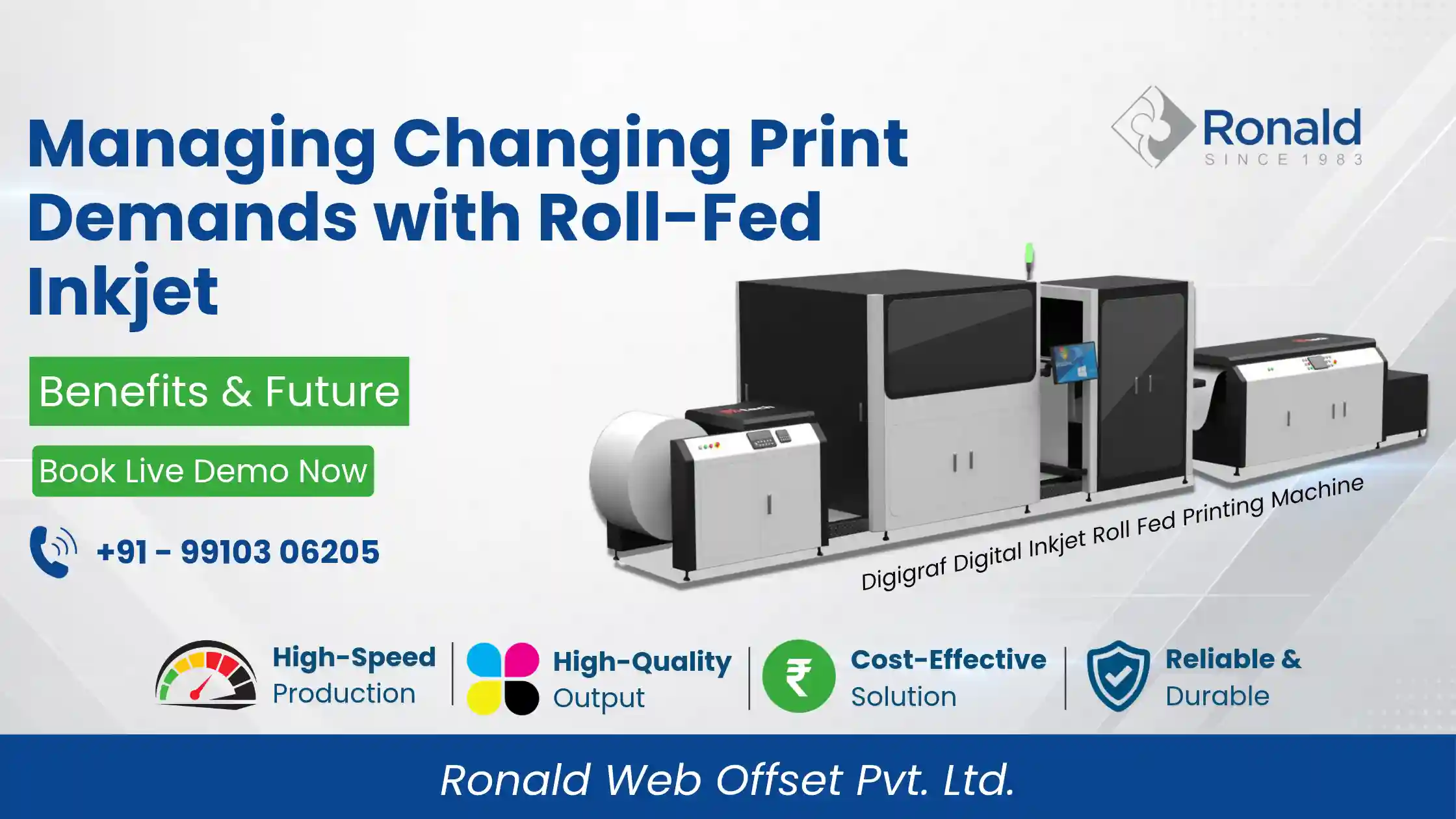
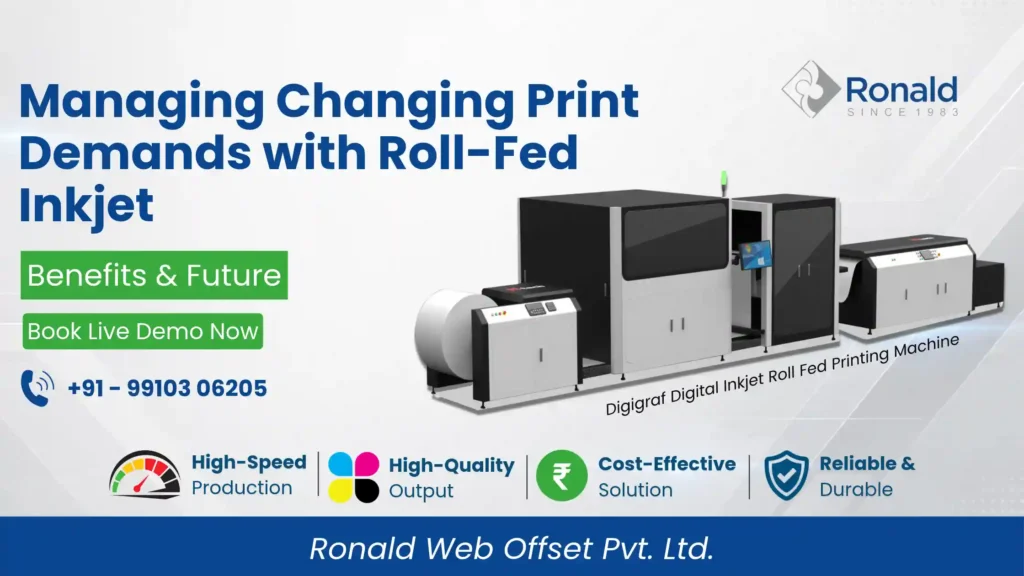
A Digital Inkjet Roll Fed Printing Machine can address these requirements. It uses continuous paper rolls and digital inkjet technology. This lets businesses print without feeding separate sheets for each job.
In this blog, we will explore how roll-fed inkjet technology works. We will also look at its key features and how DIGIGRAF supports modern printing requirements.
Every printing job has different requirements. Some customers need black-and-white prints, while others need colour printing. Paper type and print quantity can also change from one order to another.
For example, newspaper printing may require different paper from book printing. Each application needs the right media and print settings.
Printing businesses must consider several factors:
These factors can affect the entire printing process. Therefore, choosing the right printing technology is important.
Roll-fed inkjet printing is a digital printing process. It uses paper supplied in large rolls instead of individual sheets.
The machine pulls paper from the roll and moves it through the printing system. Industrial inkjet printheads then apply ink directly to the paper.
This process continues as the paper moves through the machine.
The technology offers several useful features:
Unlike traditional plate-based printing, digital inkjet technology uses digital files for printing. This means there is no need to prepare printing plates for every new job.
As a result, businesses can manage changing print requirements with a different production approach.
Paper feeding is an important part of any printing process. It affects how smoothly a machine handles production.
In sheet-based printing, operators load individual sheets into the machine. However, roll-fed printing uses a continuous paper supply.
The paper moves from the roll through the printing system. This reduces the need for repeated sheet loading during a running job.
Here are some key benefits of continuous paper feeding:
Less Manual Handling: Operators do not need to load individual sheets repeatedly during the same production run.
Smooth Production Flow: Continuous paper movement supports a steady printing process.
Better Production Planning: Businesses can plan longer jobs around roll-based media.
Efficient Media Handling: The machine handles paper through a controlled feeding system.
These features make roll-fed technology useful for printing businesses that work with regular production volumes.
Not every printing job uses the same paper. Some applications require lightweight paper, while others need heavier media.
Paper quality also affects the final print result. Therefore, businesses should select a machine that supports their required paper types.
DIGIGRAF supports several types of paper, including:
The machine supports paper weights from 40 to 180 GSM.
This gives businesses more options when selecting media for different printing jobs.
However, paper selection should always depend on the application and required print quality.
Colour requirements can vary from one printing business to another. Some businesses mainly produce black-and-white prints. Others need two-colour or full-colour output.
Choosing the right configuration is important. It helps businesses match the machine with their actual production needs.
DIGIGRAF offers three colour configurations:
1+1 – Black and White
This configuration is suitable for businesses that mainly handle black-and-white printing work.
2+2 – Dual Colour
This option supports businesses that require two-colour printing.
4+4 – Full Colour
This configuration is designed for full-colour printing requirements.
These options allow businesses to select a suitable configuration for their applications.
Paper movement needs proper control during printing. The paper must move through the machine at the required speed and position.
Any unwanted movement can affect the printing process.
DIGIGRAF uses a Full Servo Motion Control system. It helps control machine movement during production.
This system supports coordinated machine operations. It also helps manage paper movement through the printing line.
Proper motion control is important for maintaining a stable production process. It also supports consistent machine operation during longer print jobs.
Drying is another important part of digital inkjet printing.
The ink needs to dry properly after it reaches the paper. This helps prepare the printed material for further handling.
The drying process depends on several factors. These include paper type, ink coverage and production speed.
DIGIGRAF comes with an Intelligent Infrared Drying System.
This system supports the drying process during printing. An important part of the machine’s overall production setup.
Proper drying helps businesses manage printed media more effectively.
DIGIGRAF is an industrial digital inkjet printing solution from Ronald Web Offset Pvt. Ltd.
It combines roll-fed paper handling with industrial inkjet technology. Engineers designed the machine to support different printing requirements.
It also offers multiple colour configurations and controlled machine movement.
Here are the key specifications of DIGIGRAF:
| Item | Parameters |
|---|---|
| Printhead | Using the latest high-speed circulation on demand piezoelectric industrial grade printhead (high-speed, high-precision, circulation, variable point printing) |
| Print Size | Up to 800mm |
| Color Mode | 1+1 (B&W): 2+2 (Double Color): 4+4 (Color); |
| DPI | 600x 600 DPI |
| Machine Size | L 12000mm x W 2350mm x H 2300mm |
| Control Unit | Full Servo |
| Print Speed | Print speed 176 A4 |
| Suitable Paper | Woodfree paper/ News paper/ Inkjet Coated Paper/ Coated Paper/ Carbon Free Paper |
| Suitable Paper Gram | 40-180g |
| Drying | Infrared drying (full-automatic speed adjustment function) |
| Voltage, Power | 380V, Power 50 kW (peak) |
| Working environment | Recommend Temperature: 22.5-27.5℃, Recommend Relative Humidity: 40%-70% _______________________________________ Optimal Temperature: 25℃, Optimal Humidity: 50%-60% |
These specifications help businesses understand the machine’s capabilities.
Actual production results may vary based on paper type, print coverage and machine configuration.
Buying an industrial printing machine is an important business decision. A machine should match your current needs and plans.
Before making a decision, consider these points:
Understand Your Printing Needs: Identify the type of printing work you handle regularly.
Check Paper Quality: Make sure the machine supports your required paper types and GSM range.
Compare Production Speed: Check whether the machine can meet your daily production targets.
Choose the Right Colour Setup: Select a configuration that matches your customers’ requirements.
Understand Operating Needs: Consider power supply, drying, maintenance and technical support.
Plan for Future Growth: Think about the types of jobs you may handle in the future.
These steps can help you choose a suitable printing solution for your business.
Modern printing businesses need flexible production solutions. Customer orders, paper types and print requirements can change regularly.
Roll-fed inkjet technology offers a different way to manage these requirements. It combines continuous paper feeding with digital printing.
DIGIGRAF brings together industrial inkjet printheads, multiple colour configurations and Full Servo Motion Control. It also features an Intelligent Infrared Drying System.
For businesses exploring modern roll-fed printing solutions, DIGIGRAF is worth considering.
Searching for a Digital Inkjet Roll-Fed Printing Machine?
Explore the DIGIGRAF Digital Inkjet Roll-Fed Printing Machine by Ronald Web Offset Pvt. Ltd. Review its key features and detailed technical specifications.
Visit our website or contact our team for more information.
Phone: +91-99103 06205
Email: info@ronaldweboffset.com
A digital printing machine uses continuous paper rolls. Industrial inkjet printheads apply ink directly to the moving paper.
DIGIGRAF supports Woodfree, Newspaper, Inkjet Coated, Maplitho and Carbonless Paper.
DIGIGRAF offers a production speed of up to 100 metres per minute. Actual speed depends on the printing configuration and operating conditions.
DIGIGRAF offers 1+1 black-and-white, 2+2 dual-colour and 4+4 full-colour configurations.
DIGIGRAF supports a maximum paper width of up to 800 mm.
DIGIGRAF uses a Full Servo Motion Control system. It helps manage machine movement and paper handling during production.
DIGIGRAF features an Intelligent Infrared Drying System to support the ink drying process.
How Roll-Fed Inkjet Technology Supports Changing Print Demands The printing industry is changing with time. Customer needs are different, and...
What All in Print China 2026 Means for Digital Printing The printing industry is changing as businesses look for better...
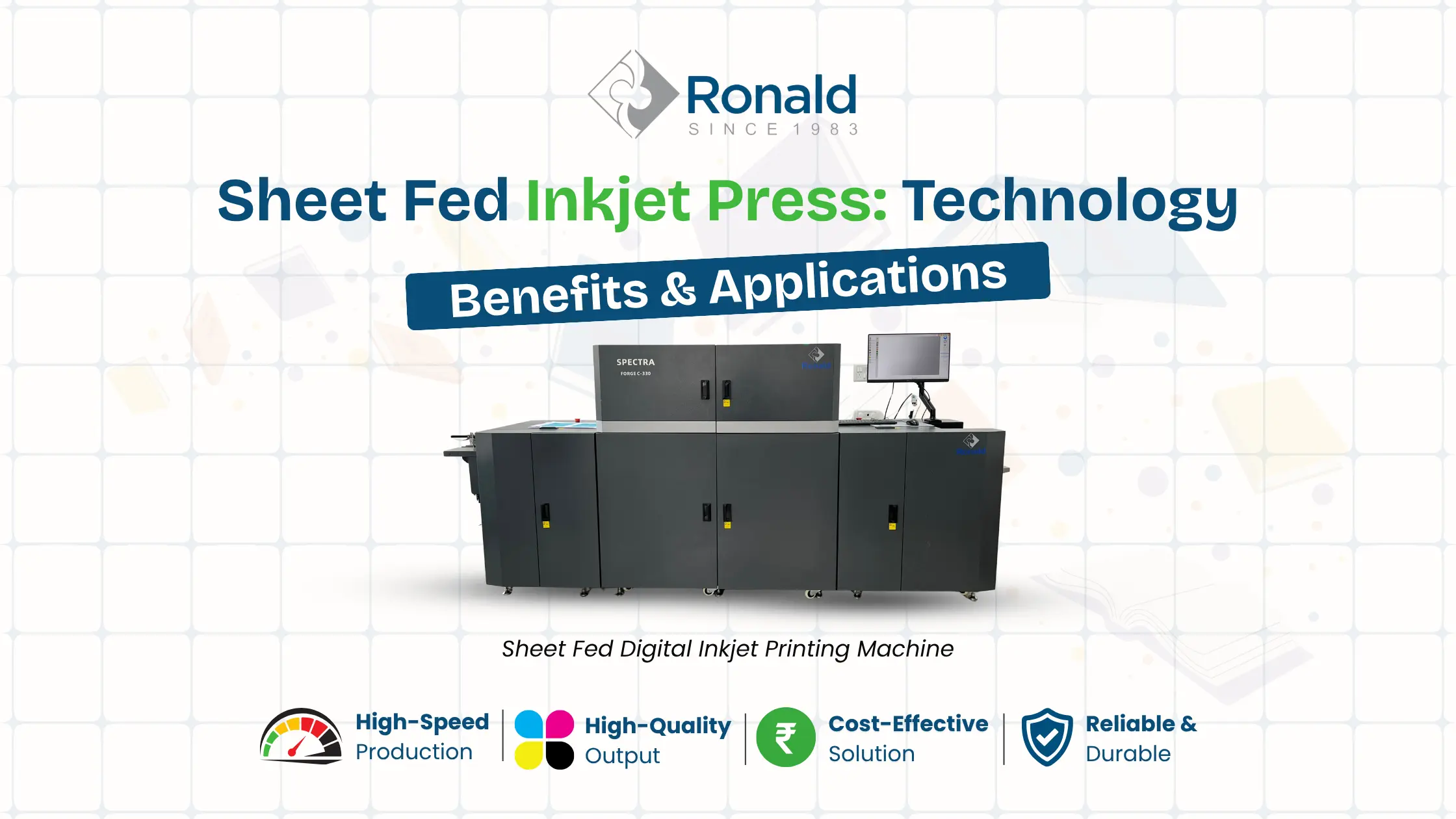
Sheet Fed Inkjet Press: Technology, Benefits & Applications The printing industry is changing rapidly as businesses look for faster, more...
Best Digital Printing Machine for Short-Run Book Printing in India Digital printing machine for short-run books in India can help...
Get a free consultation, product brochure, technical specifications, and the best price quote from our experts.
info@ronaldweboffset.com